How to Keep Merchant Crypto Funds Safe: Multisig, MPC and Auto-Withdrawals
27/11/2026
Accepting crypto is the easy part. The harder question comes a week later, when the balance has grown: where should that money sit, who can move it, and what happens if one laptop, one password or one employee is compromised?
Shared-control wallets used to be the preserve of exchanges and funds. Over the past year they have become practical for small teams: multisig now sits inside ordinary wallet apps, and MPC or threshold-signature wallets are sold as a product rather than built in-house. Here is what the options mean for a business, and how to combine them with your payment gateway.
Three places your crypto revenue can live
1. On your payment provider's balance. This is the default after a customer pays. It is convenient for refunds and payouts, but the funds depend on the provider's security and on your account access. Keep only what you need for daily operations here.
2. In a single-key wallet you control. A hardware or software wallet with one private key. Simple and cheap, but one lost or leaked key means lost funds. Suitable for small amounts and a sole owner.
3. In a shared-control wallet. No single person can move funds alone. There are two main designs:
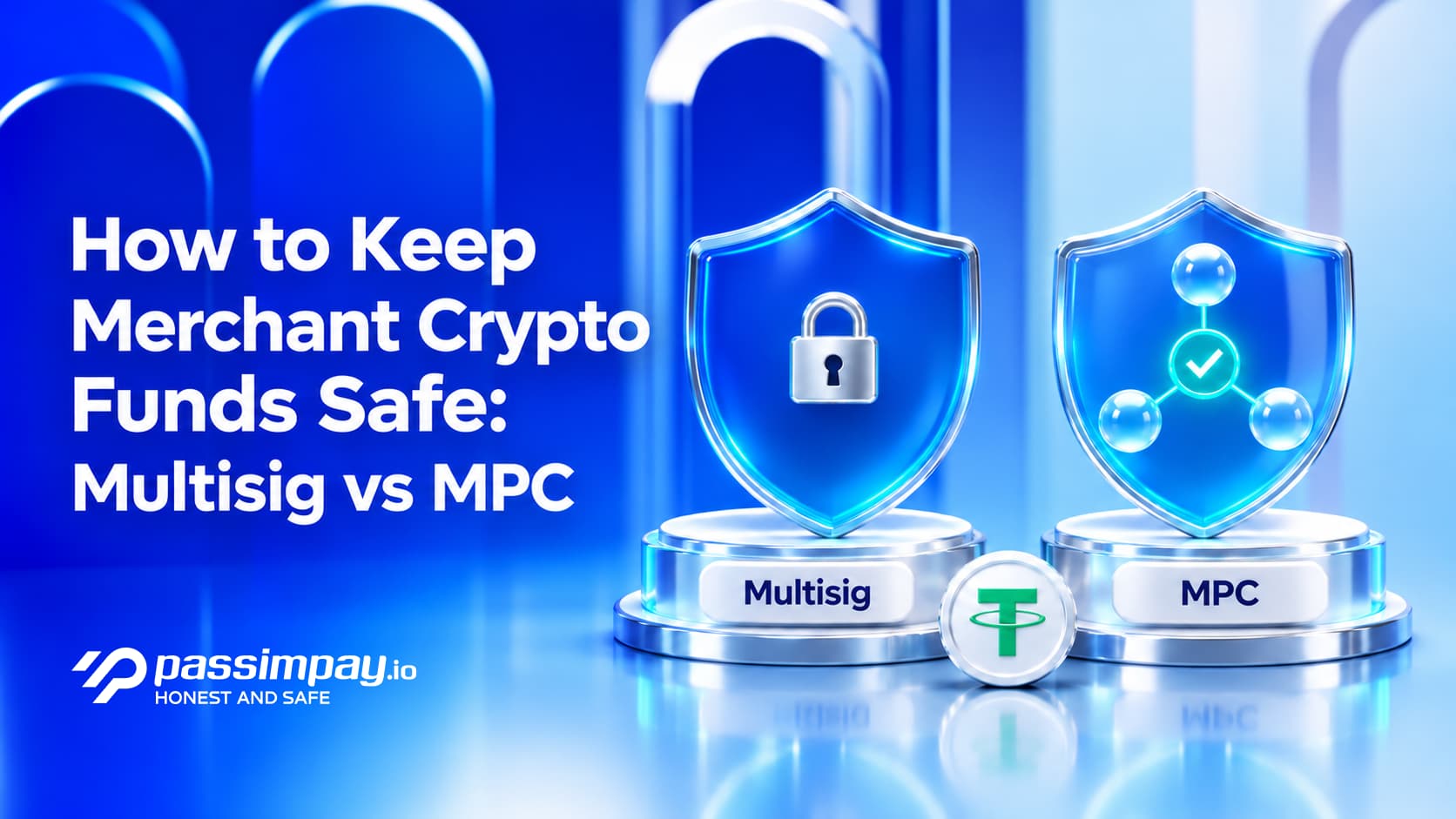
Multisig. Each co-signer holds a full private key, and the blockchain checks several separate signatures under an M-of-N rule (for example, 2 of 3). Keys are independent and can be recovered in other compatible apps. Transactions carry more data, so network fees are usually higher. It fits best with Bitcoin and other UTXO networks.
MPC / threshold signature. Each participant holds only a key share. The shares produce one ordinary signature, and the full key is never assembled. The blockchain does not see how many people approved. Fees can be lower and it works on account-based networks, but signers must coordinate in time and recovery often works only in the original app. Note that "MPC wallet" is a category label, so implementations differ a lot.
Which setup fits your business
Situation | Practical setup |
Sole owner, small monthly volume | Provider balance for operations + hardware wallet for savings |
Team of 2–5 people, mostly BTC | 2-of-3 multisig for the treasury |
Several networks (USDT on TRON, Ethereum, BNB Chain) | MPC/threshold wallet or a separate multisig per network |
Finance team with approval rules | Shared-control wallet + documented approval policy |
Merchant security checklist
Set a balance limit. Decide how much can stay on the gateway balance (for example, one or two weeks of refunds and payouts) and move the rest out on a schedule.
Automate withdrawals. Manual transfers get postponed. Automatic withdrawals to a cold or shared-control wallet remove the temptation to leave funds "for later".
Convert volatile coins. If you do not plan to hold BTC or ETH, convert incoming payments to USDT or USDC so the value you store matches what you invoiced.
Separate roles. The person who integrates the API should not be the only person who can approve withdrawals. In PassimPay, team members get their own accounts with View, Limited or Admin permissions, and only Admin can withdraw funds.
Lock down account access. Turn on two-factor authentication, use a dedicated email, and restrict API keys. Adding a user to a PassimPay account requires the master key and a code sent by email.
Test recovery. Before moving real money into a multisig or MPC wallet, run a small test transfer and a recovery drill with every signer.
Screen incoming funds. Tainted crypto can be frozen later by an exchange or an issuer. AML screening before crediting reduces that risk.
How PassimPay helps
On PassimPay, funds are designed not to pile up with the provider. You can:
set up automatic transfers to a cold wallet, so available funds move out without repeated manual withdrawal requests;
convert incoming payments automatically to USDT or USDC (0.2% auto-conversion fee) through the USDT payment gateway;
withdraw without holds or rolling reserves;
rely on free AML screening of incoming transactions before they are credited, plus KYC/KYB checks of every client;
exchange USDT and USDC to and from EUR via SEPA through a separate B2B on-ramp and off-ramp service, arranged individually for each transaction with a dedicated manager, when you need fiat.
PassimPay supports 74+ cryptocurrencies, connects through plugins and modules, and holds a Canadian FINTRAC MSB registration (C100000852, NILESPAY FINANCE INC.). Check which countries are covered on the supported countries page.
Keep revenue moving to the wallet you control. Talk to our team about automatic withdrawals and your treasury setup.
FAQ
Is multisig safer than MPC? Neither is safer by default. Multisig gives independent, portable keys; MPC/threshold wallets give one on-chain signature, more privacy and often lower fees. The bigger risk is a setup nobody has tested.
How much crypto should a business keep on its payment gateway balance? Only what you need for refunds and payouts in the near term. Move the rest to a wallet you control on a fixed schedule or automatically.
Does converting to USDT or USDC make funds safer? It removes price risk, not custody risk. You still need to decide where the stablecoins are stored and who can move them.
Can PassimPay send funds to my cold wallet automatically? Yes. You can set up automatic transfers to a cold wallet so available funds leave the balance without manual withdrawal requests.
Sources
PassimPay: automatic withdrawals to a cold wallet, 0.2% auto-conversion fee, no holds or rolling reserves, 74+ supported cryptocurrencies, FINTRAC money services business registration C100000852
Hot Wallet vs Cold Wallet: How to Store Crypto Safely: free AML screening of incoming payments before they are credited
 Contact us →
Do you like this article? Share it with your friends.


More